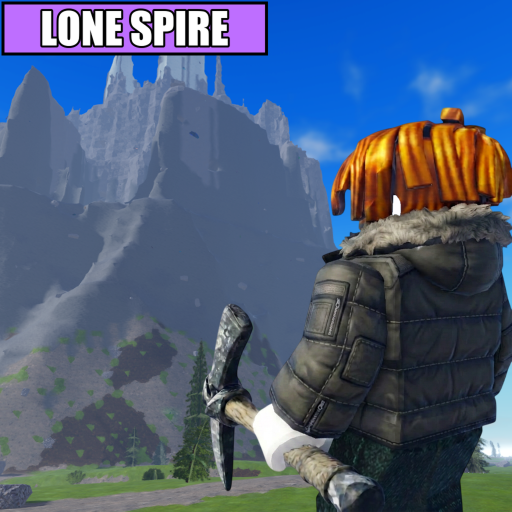
Climb and test the cold
Walk a route you can remember. Note where the environment becomes cold and do not assume the highest visible point is already the best farming path.
A first-session path based on confirmed game mechanics for learning the climb, mine, sell, and upgrade loop without relying on unverified prices or shortcuts.
The official Roblox listing confirms the core actions but does not publish a universal first-upgrade order. Your first useful session should reveal which system ends the route.
ConfirmedClimb, mine rare crystals, avoid freezing, sell for cash, then upgrade Warmth, Pickaxe, and Backpack.
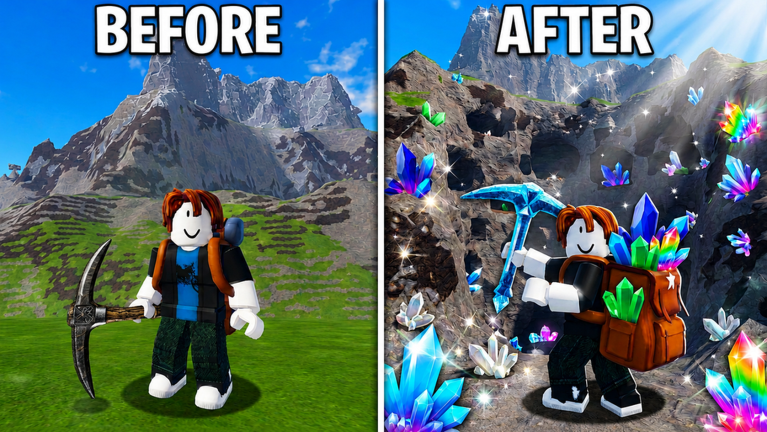
The safest early path is to learn when cold, mining time, or bag capacity is slowing your progress.
Walk a route you can remember. Note where the environment becomes cold and do not assume the highest visible point is already the best farming path.
Mine what you can reach, then return to the selling point. A crystal only advances the account after it survives the full return-and-sell loop.
Write down what stopped the route first: cold, slow mining, or a full Backpack. That observation is more useful than copying a generic upgrade order.
These are conditional recommendations, not claims about exact costs or guaranteed returns.
| What happened? | First comparison | Test after buying |
|---|---|---|
| Cold forced you back or ended the run | Warmth | Repeat the route and check whether the safe turn-back point moved higher. |
| You reached crystals but mining consumed the run | Pickaxe | Time one comparable crystal before and after upgrading. |
| A full bag caused extra sell trips | Backpack | Count capacity-driven returns on the same route. |
Practical inferenceThe advice follows confirmed upgrade roles; exact tier values remain unverified.
The Roblox description says liking the game and joining the group grants +1 Digging Luck. It does not explain exact drop odds, stacking rules, or how that number changes each crystal.
ConfirmedThe +1 wording is official; probability math is not published here.
The official description says a new mountain appears every hour. Recheck familiar paths after a rotation instead of assuming the same safe line or crystal placement remains.
ConfirmedHourly mountain wording comes from the official listing.
Shorten the route until you can return and sell consistently. Then change only one thing—height, mining target, or upgrade—so the result tells you what improved.
Do not chase the highest visible crystal before checking cold and return time. Do not buy the same category from habit, and do not treat promotional crystal colors as a verified price ranking.
No. Compare Warmth first only when cold ends the route. If mining or capacity stops you earlier, test Pickaxe or Backpack instead.
No. A lower route can be more useful when it produces completed sell trips more consistently. Compare the full loop, not height alone.