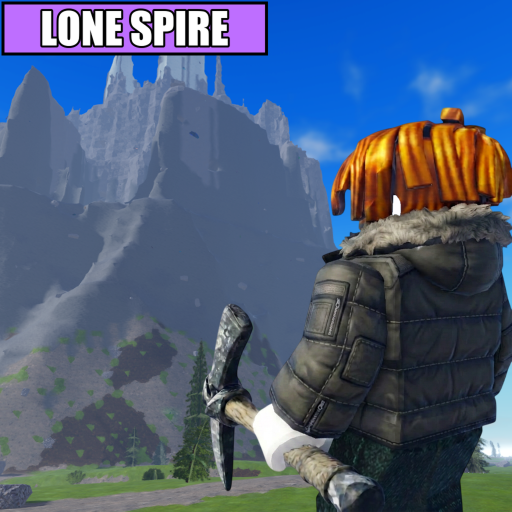
Survive higher climbs
Buy warmth when cold ends your run before you reach the crystals you want.
ConfirmedWarmth and cold pressure are named in the official Roblox description.
A consolidated Mine a Mountain upgrade guide explaining when Warmth, Pickaxe, or Backpack is the relevant next comparison and what to test after buying.
This role model is safer than exact ROI claims until upgrade prices and crystal values are confirmed.
Buy warmth when cold ends your run before you reach the crystals you want.
ConfirmedWarmth and cold pressure are named in the official Roblox description.
Buy pickaxe upgrades when mining time is slowing cash farming more than survival or capacity.
Practical inferenceThe Pickaxe role is confirmed; exact performance gains are not.
Buy backpack space when frequent sell trips cut into your crystal route.
Practical inferenceThe Backpack role is confirmed; exact capacities are not.
A fixed Warmth → Pickaxe → Backpack order can waste cash when a different system is ending the run.
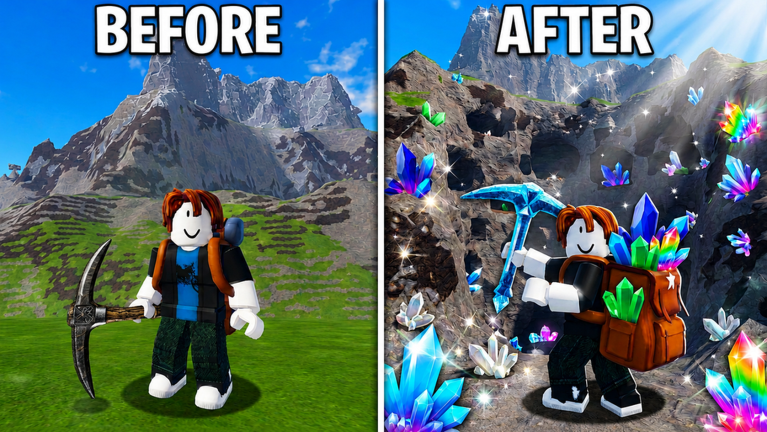
Roblox-hosted promotional media visibly connects the route with a pickaxe, a backpack, crystals, and a changed mountain state. It does not display shop prices, power tiers, or capacity tiers.
ConfirmedThe visible tools support the mechanic categories; exact performance remains outside the evidence.
Change one upgrade category, keep the route as similar as possible, and compare the first constraint instead of relying on a universal tier order.
| Upgrade tested | Hold constant | Record before and after | Useful interpretation |
|---|---|---|---|
| Warmth | Route, main tool, and intended return point. | Where cold forced the turn and whether the run returned to sell. | A later safe turn supports the Warmth choice; it does not prove the best cash rate. |
| Pickaxe | Visible crystal type, route position, and other equipment. | Approximate mining time and whether mining remained the first delay. | A repeatably shorter break supports the role; one different crystal does not. |
| Backpack | Route, mining choices, and planned run length. | Capacity-forced returns and completed sell trips. | Fewer capacity interruptions supports the purchase only when the route stayed comparable. |
This page does not currently list upgrade costs, Pickaxe power, Backpack capacity, Warmth duration, or a guaranteed best order. Those details can change and were not available through the official public listing used for this review.
Needs verificationUse the live in-game shop as the source of record before spending cash.